
You Just Had a Scan. Now What?
Picture this. You’ve just spent forty-five minutes inside an MRI machine, trying not to move while what sounds like a jackhammer operates three inches from your head. You get dressed, walk to the front desk, and someone hands you a plain-looking disc in a paper sleeve.
“Here’s your scan,” they say. “Bring it to your next appointment.”
You nod, slip the CD into your bag, and walk out. Maybe you toss it onto your kitchen counter next to the mail. Maybe it ends up in your car’s center console. Maybe you forget about it entirely until the night before your specialist visit, when you dig through drawers in a mild panic.
Sound familiar? You are not alone. Millions of patients every year receive their medical scans on CDs — a technology that the rest of the world moved past more than a decade ago. And most people never think to question it.
But you should. Here are five questions worth asking before your next medical scan gets burned to a CD.
1. “Can I Get My Scan Digitally Instead?”
This is the most important question on the list, and the one almost nobody asks.
Here’s what most patients don’t realize: your medical images are already digital. That MRI, CT scan, X-ray, or ultrasound was captured as a digital file in a format called DICOM (Digital Imaging and Communications in Medicine). The CD is just a copy — and often a compressed, lower-quality copy at that.
So why are imaging centers still burning discs in 2026? Mostly because it’s the way it’s always been done. The infrastructure is already there. The blank discs cost pennies. And nobody complains because nobody knows there’s another option.
But there is. Under the 21st Century Cures Act, you have the legal right to access your medical records — including your imaging data — in electronic format. That means you can ask your provider to share your scans digitally. Some facilities offer patient portals where you can download your images. Others can send them electronically to another provider.
The point is: you have the right to ask. And if your imaging center tells you a CD is the only option, that’s worth pushing back on.
2. “Will This CD Actually Work on My Doctor’s Computer?”
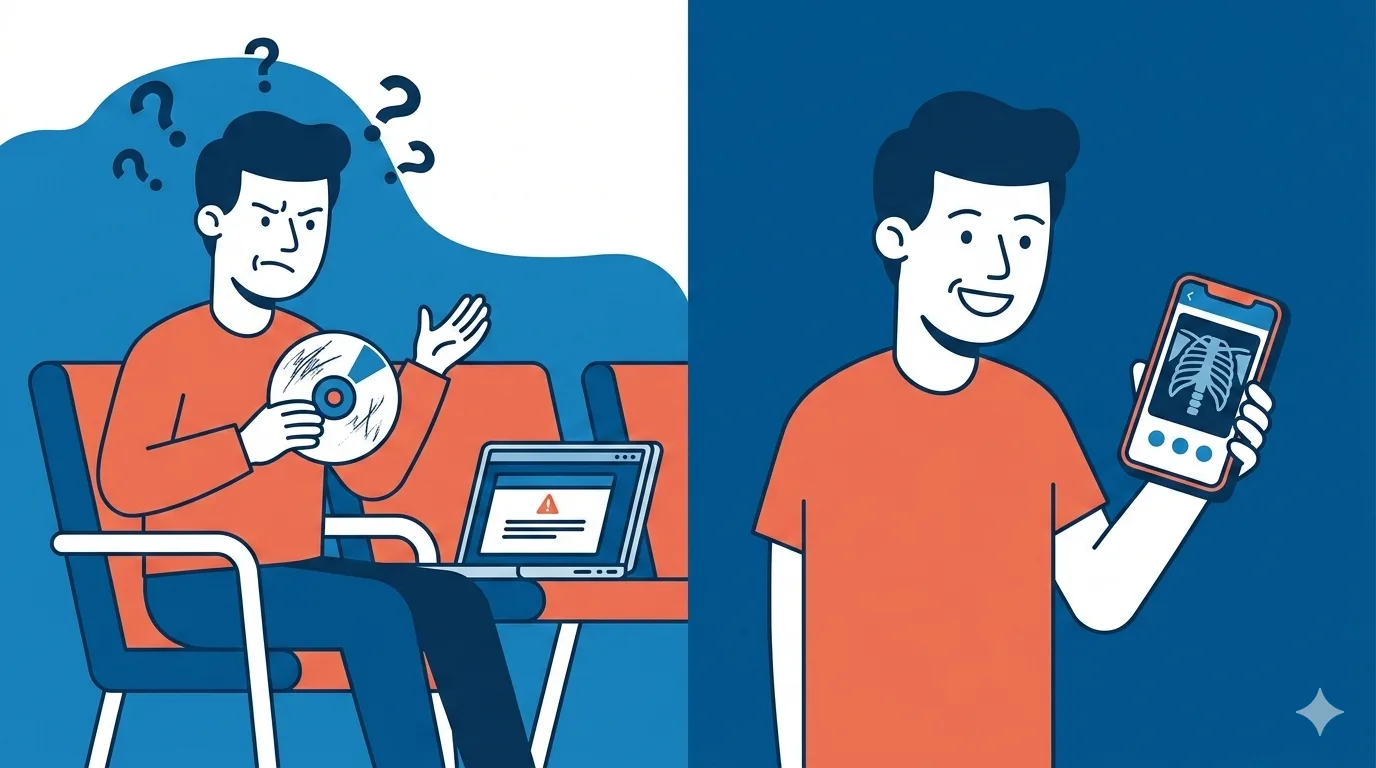
Let’s say you accept the CD. You drive across town to your specialist’s office, hand it to the receptionist, and wait. A few minutes later, someone comes back and says, “We can’t open this.”
This happens all the time.
Medical scan CDs often come with proprietary viewer software baked in. That viewer might only run on Windows. It might require a specific version of an operating system. It might need an auto-run feature that the doctor’s computer has disabled for security reasons. Or the disc might have been burned incorrectly in the first place.
Even when the CD does open, the viewer is frequently clunky and limited. It might not let the doctor adjust contrast, zoom in the way they need to, or compare your images side by side with older scans already in their system.
The result? Your doctor might ask you to go back and get the scan re-sent through a different channel — or worse, suggest repeating the scan entirely. That means more time, more money, and potentially more radiation exposure.
A medical scan CD is only useful if it can actually be read. And the odds of a seamless experience are lower than you’d expect.
3. “How Long Will This CD Last?”
Here’s a question that matters more than most people think: what’s the shelf life of that disc?
Writable CDs — the kind used for burning medical scan data — are not built for long-term storage. Industry estimates put the lifespan of a CD-R at anywhere from two to five years under normal conditions. Exposure to heat, humidity, sunlight, or simple scratching can shorten that dramatically.
Think about where your medical scan CD ends up. A glovebox that bakes in the summer sun. A kitchen junk drawer. The bottom of a bag where it rubs against keys and pens. These are not archival conditions.
Now consider that some medical conditions require imaging follow-up over years or even decades. Orthopedic issues, cancer monitoring, neurological conditions — all of these benefit from being able to compare current scans to older baselines. If your old CD is degraded or unreadable, that comparison becomes impossible.
Your medical images are valuable long-term data. They deserve better than a format that degrades sitting in a drawer.
4. “Can I Share This With Multiple Doctors?”
Modern healthcare is a team sport. A single scan might need to be reviewed by your primary care doctor, a specialist, a surgeon, and maybe a radiologist for a second opinion. That’s four people who need access to the same images.
But you only have one CD.
The logistics of sharing a medical scan CD with multiple doctors are genuinely painful. You have to physically carry the disc from office to office. If two doctors need to look at it at the same time, you’re out of luck. If you mail it to an out-of-state specialist for a second opinion, you won’t have it for your local follow-up until it gets mailed back — if it gets mailed back at all.
Some patients resort to making copies. But copying DICOM files from a medical scan CD isn’t as straightforward as duplicating a music disc. The file structure matters. The viewer software may or may not carry over. And every copy introduces another opportunity for data loss or corruption.
In a world where you can share a photo with twenty people in two seconds, the idea that sharing a medical scan requires physically transporting a plastic disc feels absurd. Because it is.
5. “Is There a Better Way?”
Yes. There is a much better way.
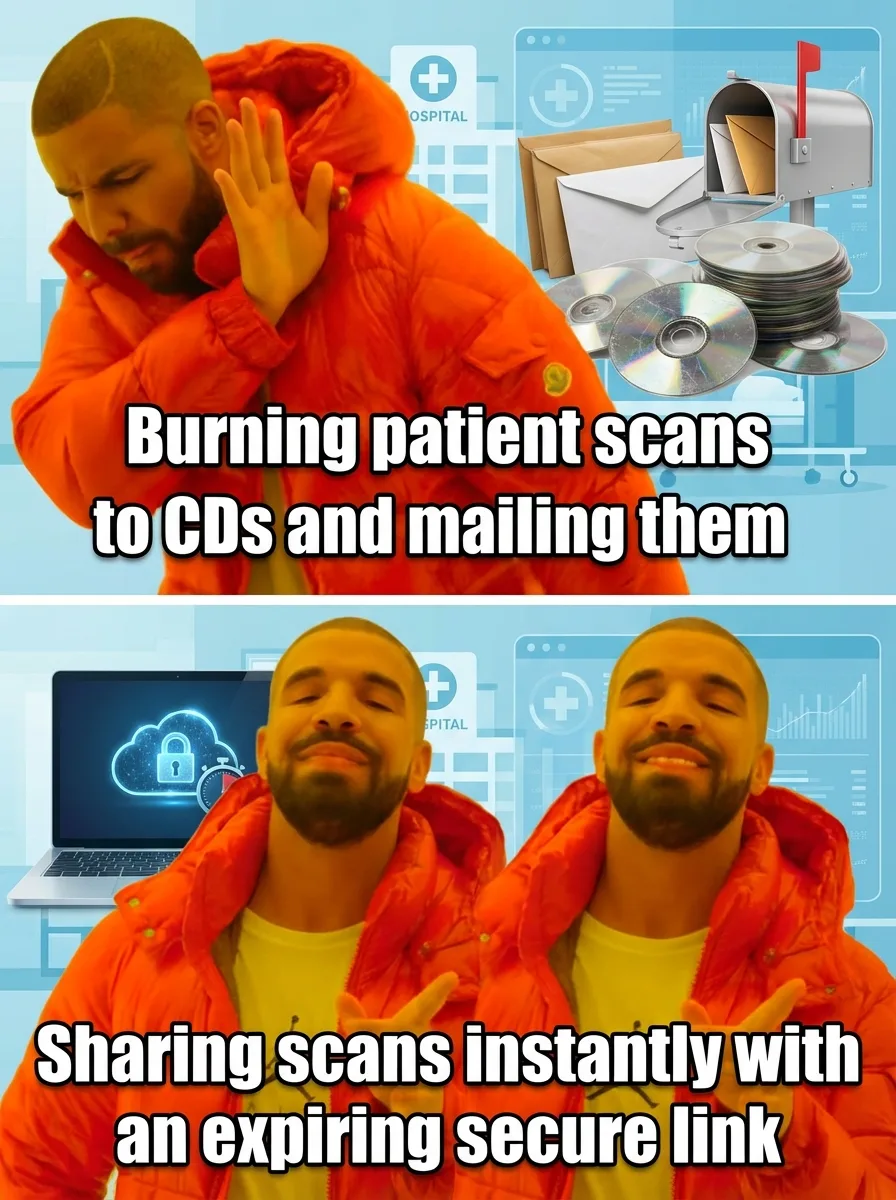
The healthcare industry has been slow to modernize how patients access and share their medical images, but the technology to fix this problem already exists. Cloud-based medical image sharing platforms let you store, view, and share your scans digitally — from any device, with any doctor, at any time.
No discs to lose. No compatibility headaches. No degradation. No one-disc-one-doctor limitations.
This is exactly why we built Medixshare.
Medixshare is AI Bharata’s medical image sharing platform designed around one simple idea: your scans should be as easy to access and share as any other file on your phone. Upload your DICOM images once, and you can share them with any provider through a secure link. Your doctor opens the link, views your scans in a full diagnostic-quality viewer, and you never have to worry about scratched discs or incompatible software again.
It works on any device. It maintains full image quality. And it keeps you in control of who sees your data and when.
No more CDs. No more panic the night before an appointment. Just your scans, available when you need them.
What to Ask at the Front Desk
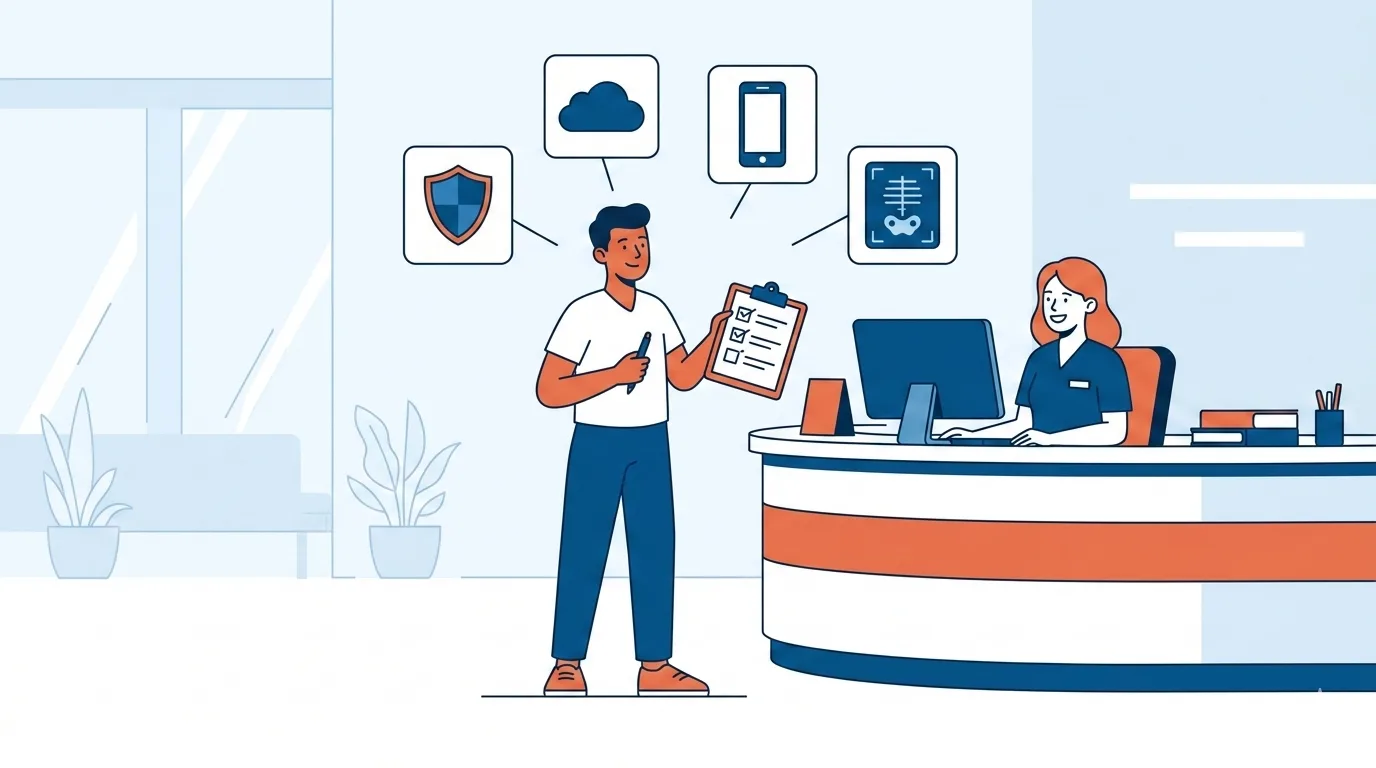
Knowledge is only useful if you act on it. Next time you have a scan done, here’s a practical checklist of things to say at the imaging center’s front desk — before they hand you a disc.
Ask about digital access first. Say something like: “Can I access my images through a patient portal or get them sent digitally?” Many facilities have this capability but don’t offer it unless you ask.
Know your rights. If you get pushback, you can reference the 21st Century Cures Act, which gives patients the right to access their health data electronically. You don’t need to be confrontational — just informed.
Request the full DICOM files. If you do end up with a CD, make sure it contains the actual DICOM data, not just JPEG screenshots or a PDF report. The DICOM files are what your doctor’s system needs to import and properly display your images.
Ask about the radiology report too. Your scan images and the radiologist’s written report are two separate things. Make sure you know how to get both.
Get a backup plan. Ask the facility how long they retain your images in their system and how you can request them again later if your CD fails. Most facilities keep images for seven to ten years, but policies vary.
Upload your scans to a digital platform. If you do receive a CD, don’t just toss it in a drawer and hope for the best. Upload your DICOM files to a secure cloud platform like Medixshare while the disc still works. That way, you have a permanent, shareable digital copy regardless of what happens to the physical disc.
You Deserve Better Than a Burned Disc
Medical imaging is one of the most powerful diagnostic tools in modern medicine. A single scan can reveal a fracture, catch a tumor early, or guide a surgeon’s plan. That data matters — to your health, to your care team, and to your future.
It shouldn’t live on a format that scratches if you look at it wrong.
The CD era of medical imaging is ending. Patients are starting to demand digital access, providers are starting to offer it, and platforms like Medixshare by AI Bharata are making it simple. But the transition happens faster when patients ask the right questions.
So the next time someone at the radiology desk reaches for a blank disc, speak up. Ask the five questions. Know your options. And if you want to see what modern medical image sharing actually looks like, try Medixshare today.
Your scans are too important for a paper sleeve.